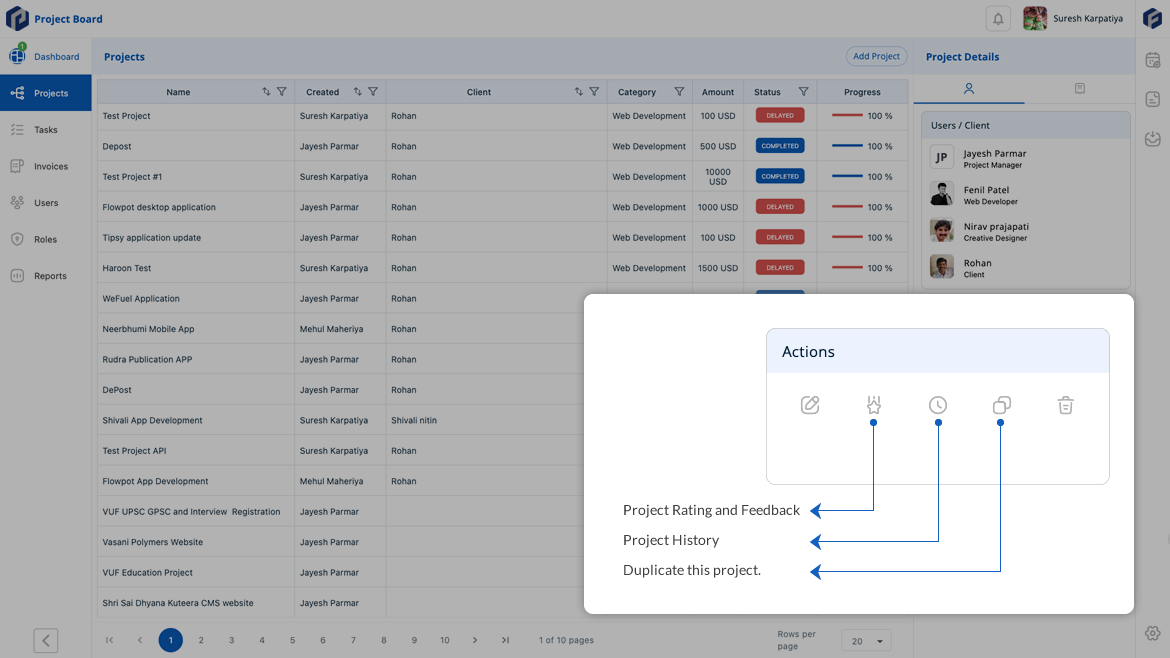
What do you get with ConnectBoard?
Manage WhatsApp conversations, automate replies, run campaigns and organize customers from one shared team inbox.
Features in detail
Explore every feature
Scroll to move from one feature to the next.
-
01 / 06
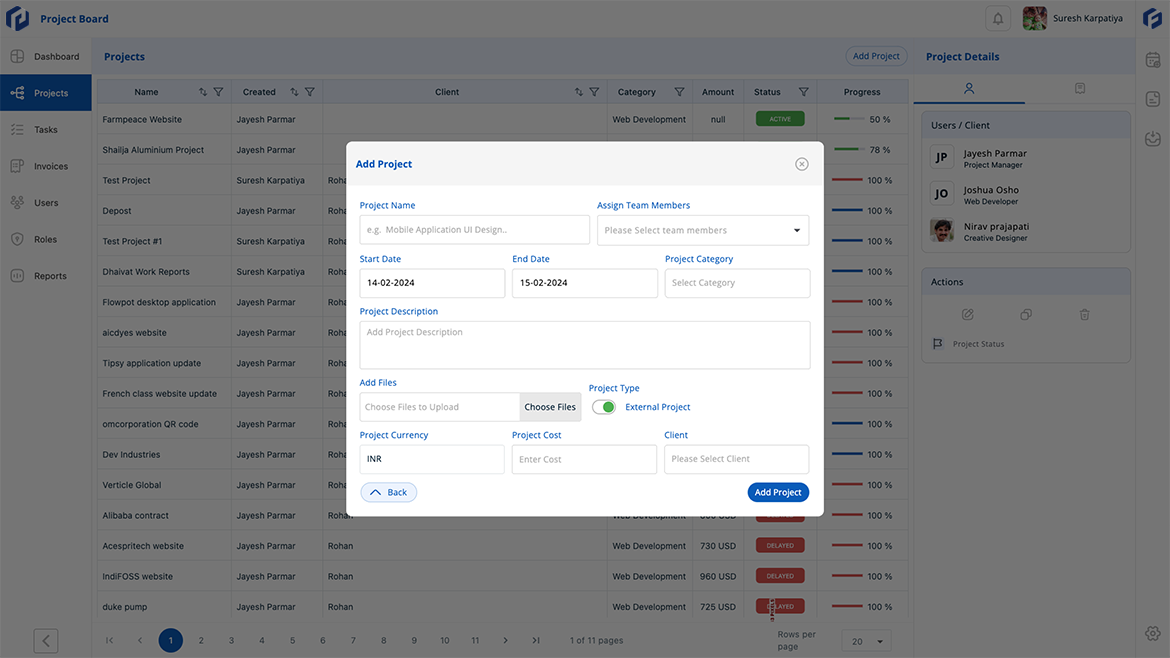
Shared Team Inbox
Bring every WhatsApp conversation into one inbox so your whole team can see, reply and collaborate without switching devices.
- One inbox for the whole team. Every WhatsApp message lands in a single shared view, so no conversation gets lost between personal phones.
- Assign chats to the right person. Route conversations to a team member or department and track who is handling what in real time.
- Reply together, not over each other. Internal notes and collision detection keep agents aligned without the customer seeing duplicate replies.
-
02 / 06
WhatsApp Campaigns
Send targeted broadcast messages and promotional campaigns to segmented contact lists directly through WhatsApp.
- Build and send broadcasts in minutes. Pick a pre-approved template, choose your audience segment and schedule or send immediately.
- Segment your audience. Filter contacts by tags, labels or custom fields so every message reaches the right group.
- Track delivery and engagement. See sent, delivered, read and reply rates for every campaign so you know what is working.
-
03 / 06
Smart Customer Organization
Tag, label and group your contacts so every conversation has context and every team member knows the customer.
- Tag contacts your way. Add custom tags like "VIP", "New Lead" or "Returning" so you can filter and find customers instantly.
- Keep notes and history together. Every contact card shows the full conversation history, notes and tags in one place.
- Import and export contacts. Bring in your existing customer list from a spreadsheet or export your ConnectBoard contacts at any time.
-
04 / 06
Automated Replies and AI Assistance
Answer common questions instantly with auto-replies, quick responses, and AI-powered suggestions.
- Set up auto-replies for common queries. Greetings, business hours, FAQs and order-status updates go out without a human typing.
- Quick-reply templates save time. Build a library of pre-written replies your team can send with one click.
- AI suggests the next response. Based on conversation context, ConnectBoard recommends a reply your agent can send or edit.
-
05 / 06
Follow-ups That Don't Slip
Schedule reminders and follow-up messages so no lead or customer query falls through the cracks.
- Set a follow-up date on any chat. Pick a date and time, and ConnectBoard reminds your team to continue the conversation.
- Automated follow-up sequences. Build a series of timed messages that go out automatically after the last customer reply.
- Never lose a warm lead. The follow-up dashboard shows every pending reminder across the team so managers can spot gaps.
-
06 / 06
Team Roles and Access Control
Define who can view conversations, send messages, manage contacts and access reports with role-based permissions.
- Create roles that fit your team. Add roles like sales agent, support lead or campaign manager, each with its own set of permissions.
- Control what each role can see. Limit access to conversations, contacts, campaigns or settings so team members focus on their work.
- Manage from any device. ConnectBoard is available on web and mobile, with conversations and permissions synchronizing in real time.